
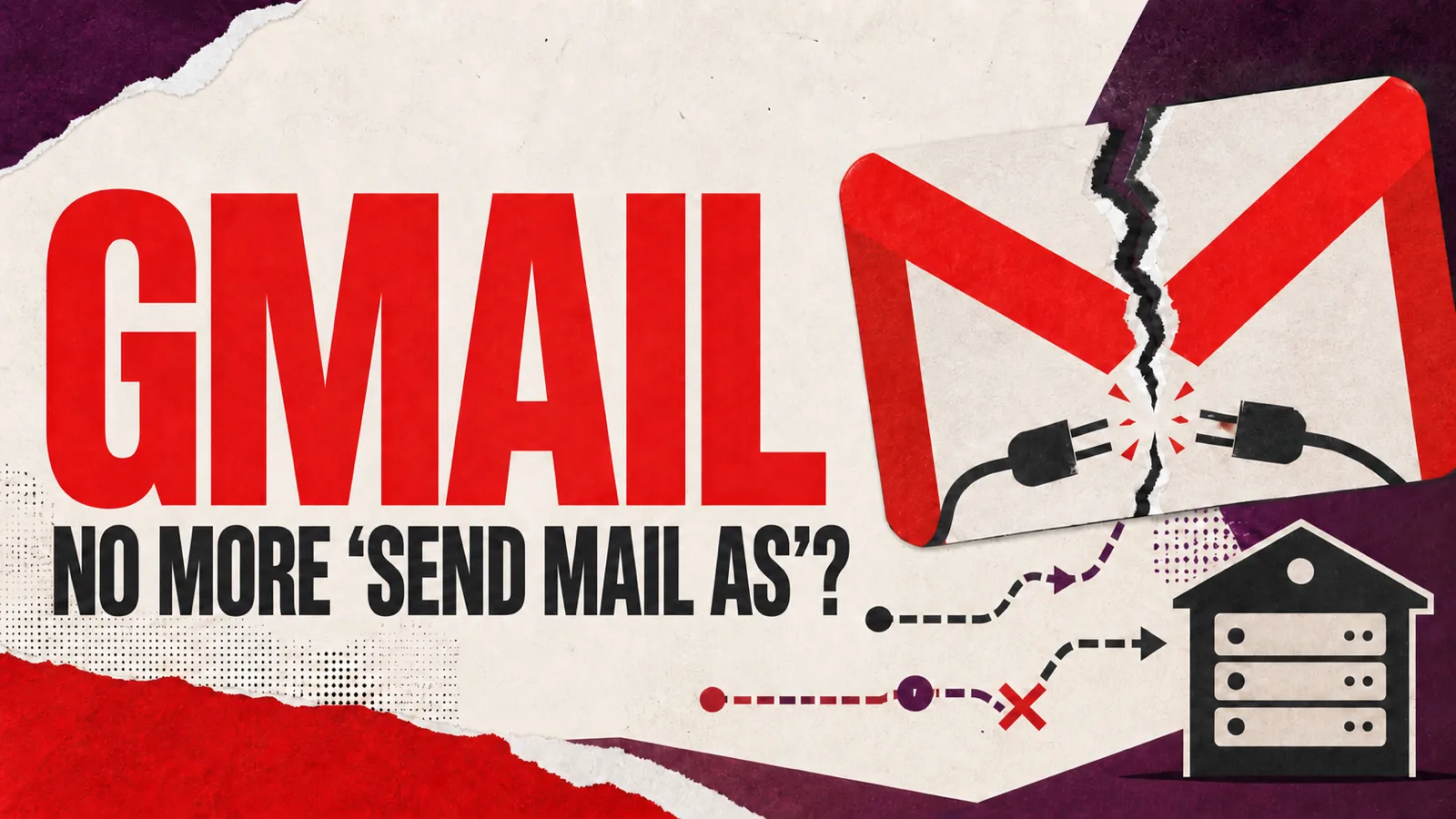
If you write to clients from biuro@twojafirma.pl but do it in Gmail through the "Send mail as" option - that ends in January 2027. Your message will stop going out from the company address; your gmail.com address will be used instead. The change applies to personal accounts - addresses run in Google Workspace and Gmail aliases are excluded.
Receiving mail is a separate matter, and that door is already practically shut: Google no longer lets you switch on POP fetching of a company mailbox at all, and the configurations that still work go dark on the same date. You can still receive mail - just differently: by forwarding from the mailbox on your hosting provider's server, or by connecting that mailbox over IMAP in an email program.
What exactly is disappearing
On personal accounts Google is retiring three features:
- "Send mail as" for non-Google addresses - sending messages from your own company domain from inside Gmail. This one hurts the most, because it affects what the client sees: today they receive a message from
biuro@twojafirma.pleven though you wrote it in Gmail. After the change, that route closes. - fetching mail from other providers over POP - the setting that made a company address "land in Gmail". In practice it is already gone: after the first quarter of 2026 Google stopped allowing it to be switched on at all. Anyone who set it up earlier can use it until January 2027; anyone who did not is out of luck. And since POP was the only way for Gmail to reach into a company mailbox by itself, the only thing left for receiving mail is forwarding configured on your mail provider's server.
- Gmailify - layering Gmail's machinery (spam filtering, categories, search) over a mailbox held with another provider.
The timetable: Google no longer allows new "Send mail as" configurations for external addresses, existing ones work until the end of 2026, and in January 2027 all three features switch off on personal accounts. The details are in Google's help documentation.
What the change does NOT affect: addresses run in Google Workspace, Gmail-to-Gmail aliases, and email programs connecting over IMAP and SMTP - those work unchanged, and Google points to them as the way out.
Check in a minute whether this is your problem
Gmail in a browser → gear icon → See all settings → the Accounts and Import tab. Look at two sections:
- Send mail as - if an address on your domain is listed there, from January 2027 you will no longer be able to send from it,
- Check mail from other accounts - if your company address is listed there, you are on borrowed time with POP fetching: it works until January 2027 and cannot be switched on again anywhere - not on another account, and not after deleting the entry.
If entries appear in both places, your company mail in Gmail stops both going out and coming in - and receiving has to move to forwarding at your hosting provider, or to IMAP in an email program.
What happens to the messages already in Gmail
They stay. Google states plainly that every message fetched before the features are withdrawn remains in Gmail. This is not data deletion - it is the end of automatic fetching and of sending from an external address.
Four ways out
| Solution | How it works | The catch |
|---|---|---|
| Forwarding at your mail provider | in your hosting panel you set a copy of every message to go to your Gmail address | solves receiving only; you will reply from the Gmail address, because "Send mail as" is going away |
| An IMAP account in the Gmail mobile app | you add the company mailbox directly in the phone app | works in the phone app, not in Gmail in a browser - and most companies work on a computer |
| Google Workspace | your company domain moves into Google properly, with full Gmail | a monthly cost per employee, account migration, and your mail ends up with the very provider that just switched this off |
| An email program (IMAP + SMTP) | one program connects all company mailboxes: receives over IMAP and sends over SMTP from your own address | it has to be set up once - and you need one that does not look like it is from 2009 |
There is no single right answer here. A one-person company with a single mailbox will get by with forwarding, as long as it accepts that replies go out from Gmail. A company with five addresses (biuro@, zamowienia@, ksiegowosc@, serwis@, plus a personal one) will end up with everything mashed into one inbox and within a month will lose track of what belongs to whom.
What the fourth route looks like
Gmail stops fetching company mail over POP and sending from your address - but those same mailboxes connect to an email program over IMAP without any trouble, with sending set up over SMTP, straight from the company address. The addresses stay on your domain and with your current provider: you move nothing, you set nothing up from scratch, and old correspondence stays where it was. Several mailboxes then appear in a single list, showing which address each message arrived at - and you get the same on your phone, because the settings follow the account, not the device.
An email program has a price that Google does not mention, though. Mail downloaded and kept only on a computer disappears with it - all it takes is a dead drive or a computer that burns out. IMAP protects you from that, because the originals stay on the server. The catch is that mail files still grow on every device you read them on - IMAP or not. On a phone, received messages stay in storage and space keeps running out: together with your holiday photos, ever-growing mail can easily fill it to the brim. No wonder the best advice today is to buy a phone with 512 GB straight away, just to fit it all. And when you choose an email program, look not only at how it looks, but also at where it keeps your mail and how much of it.
Below are screenshots from msgNEO - the email program I use every day: first the desktop views, then the phone.
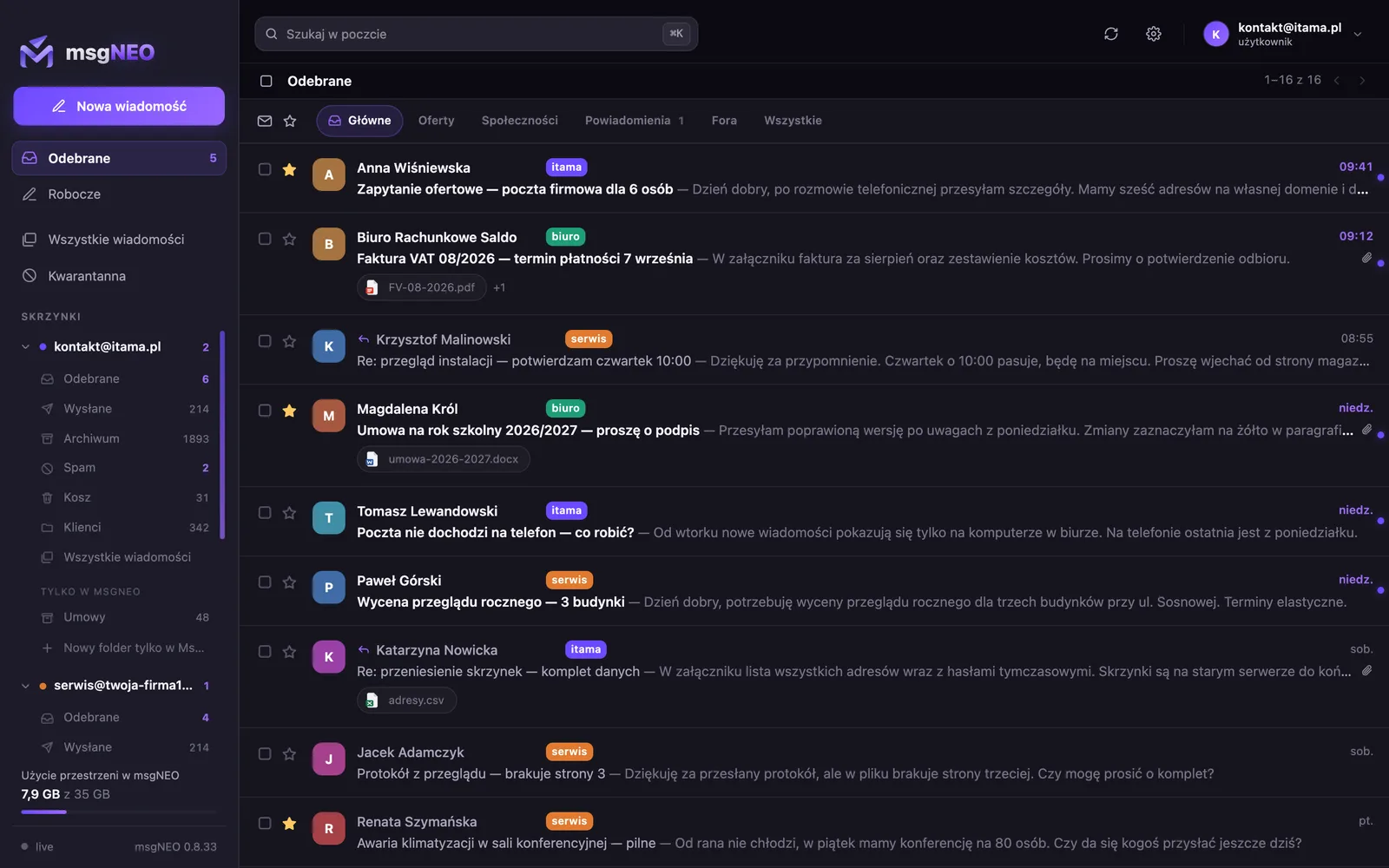
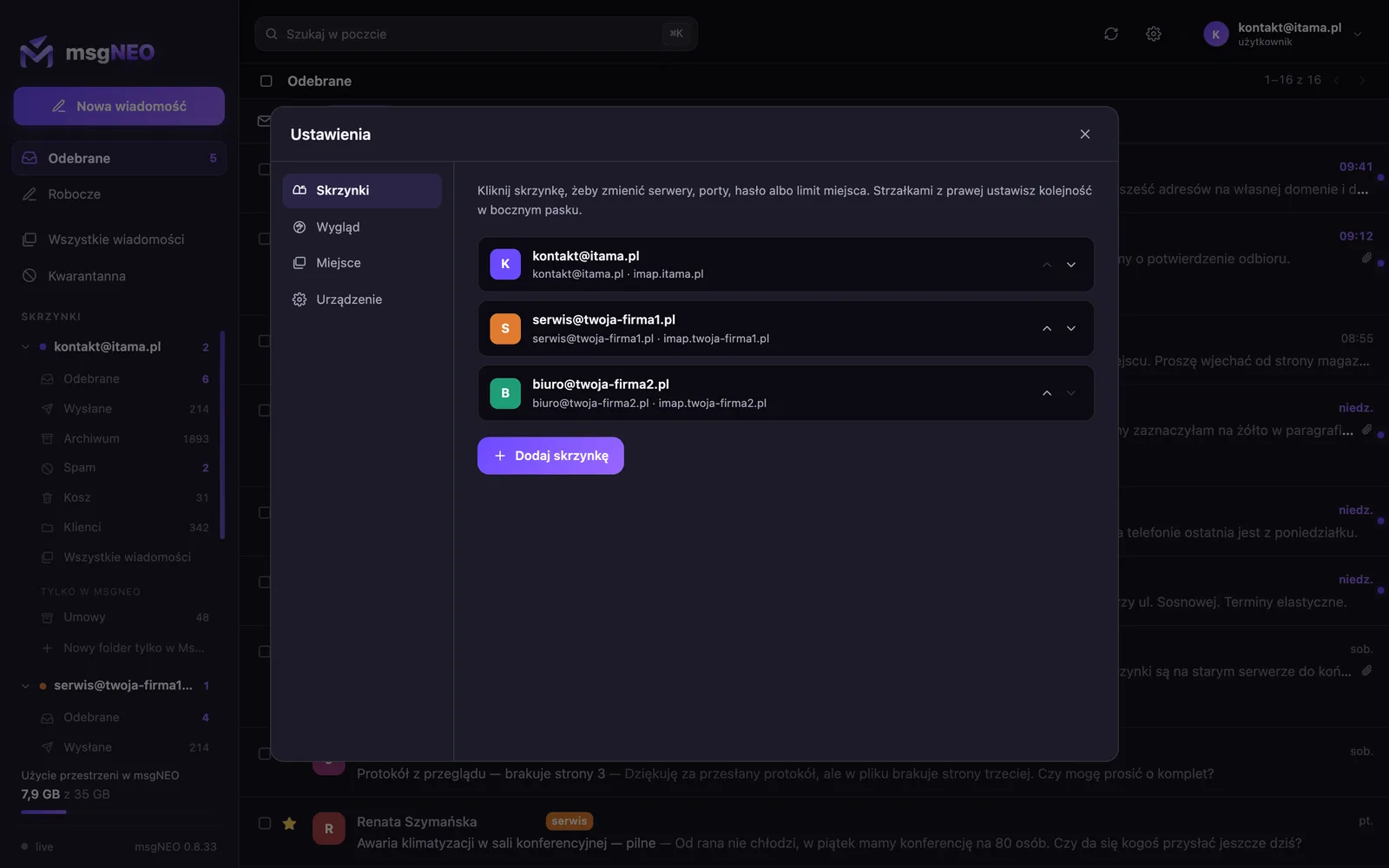
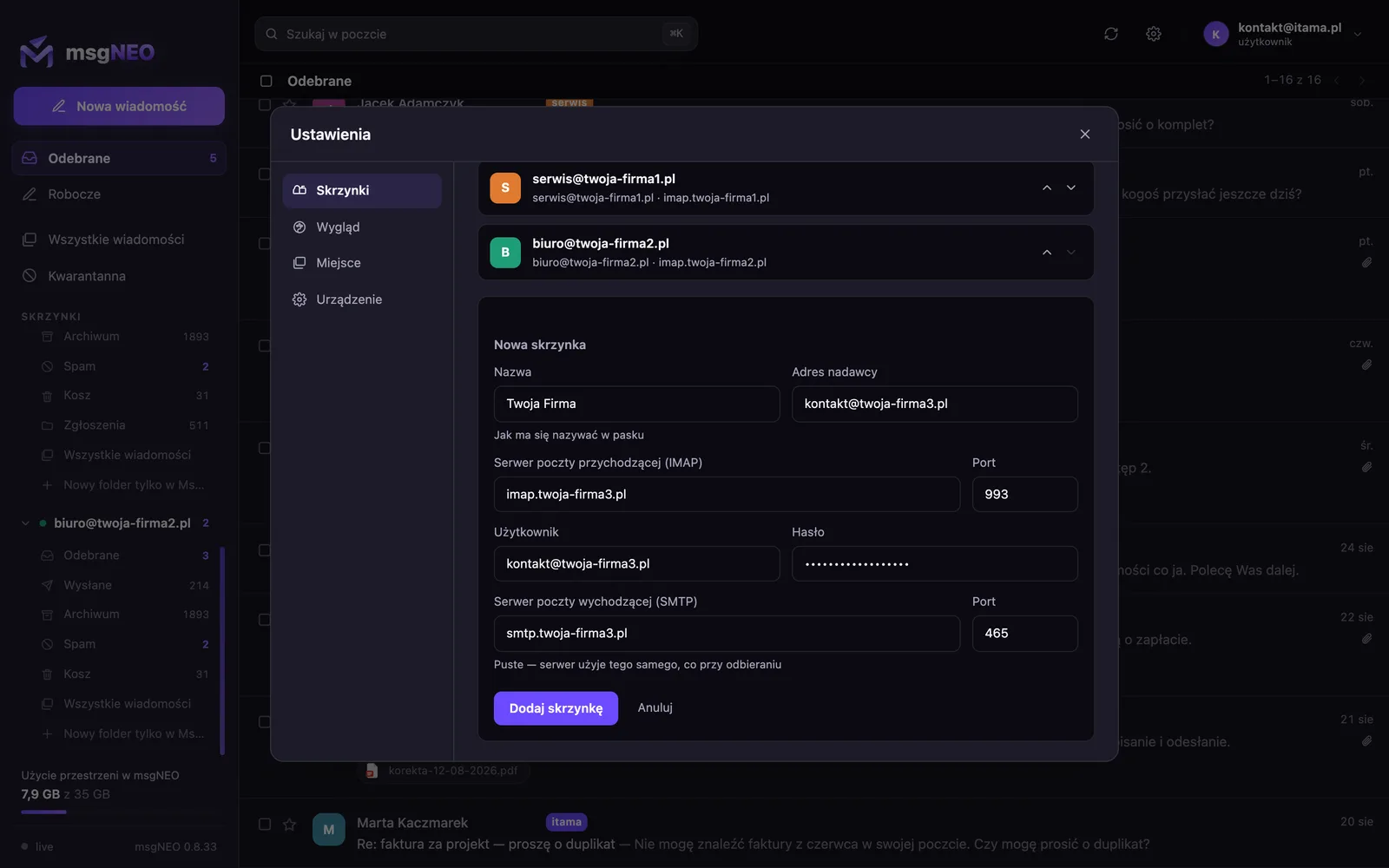
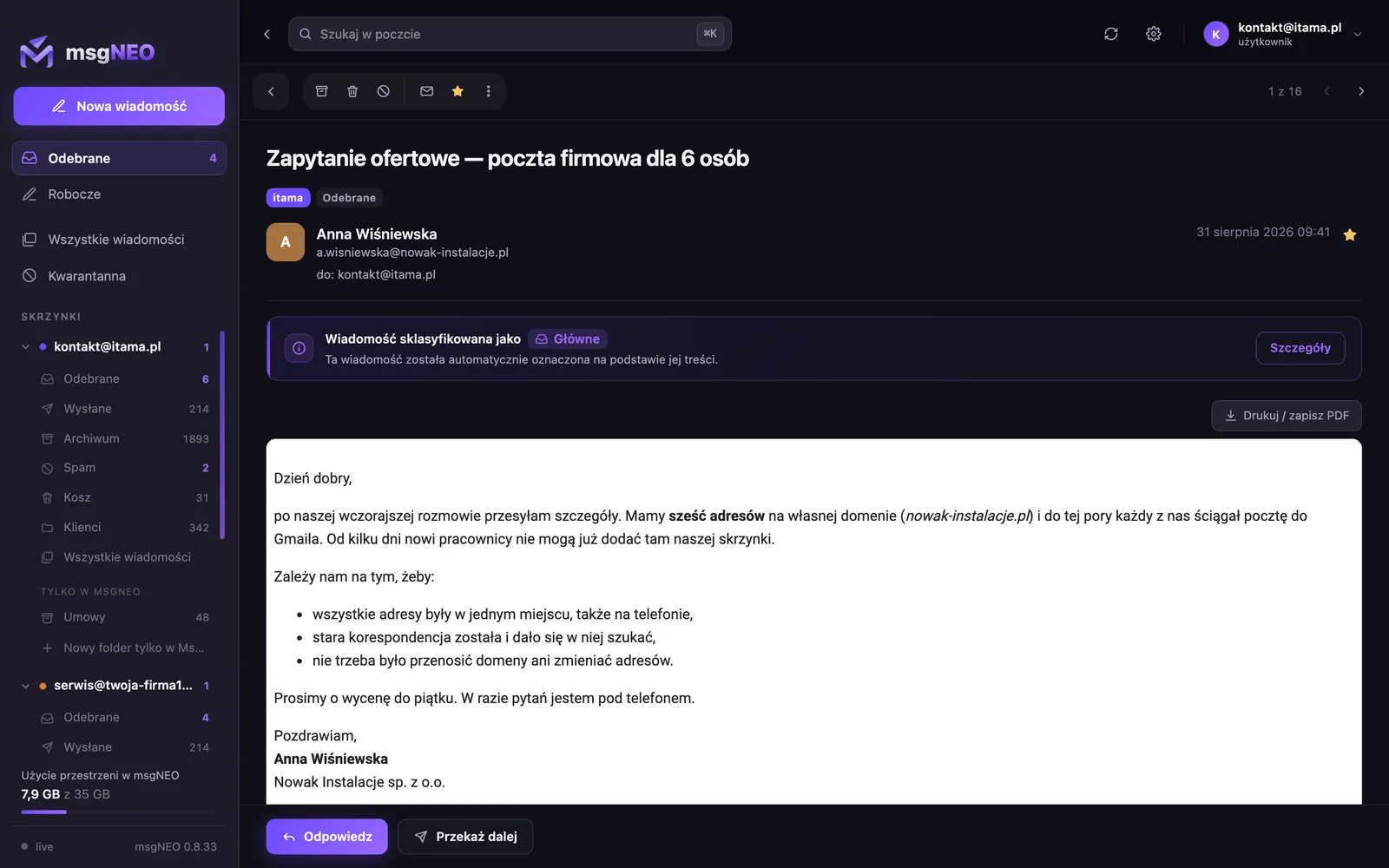
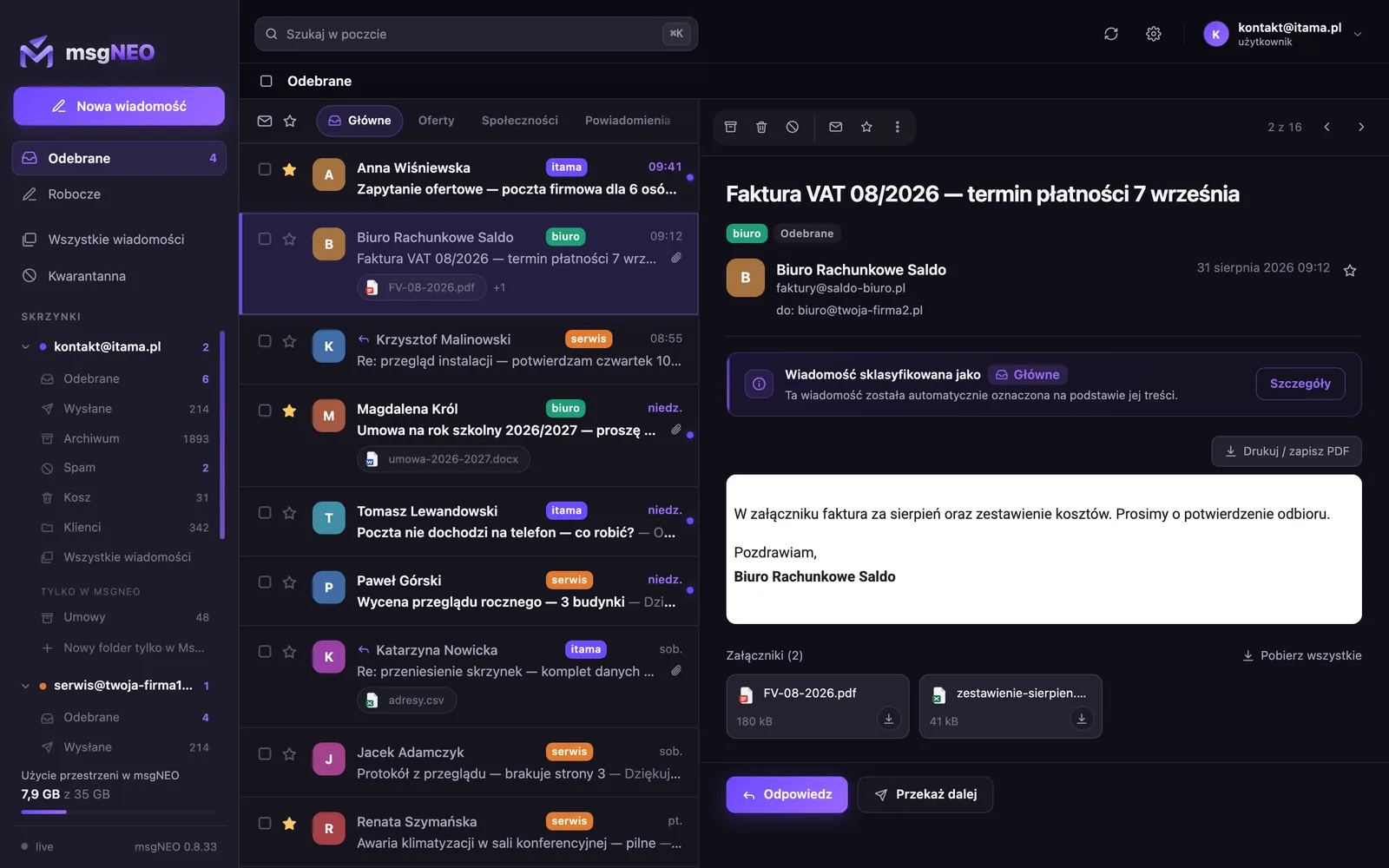
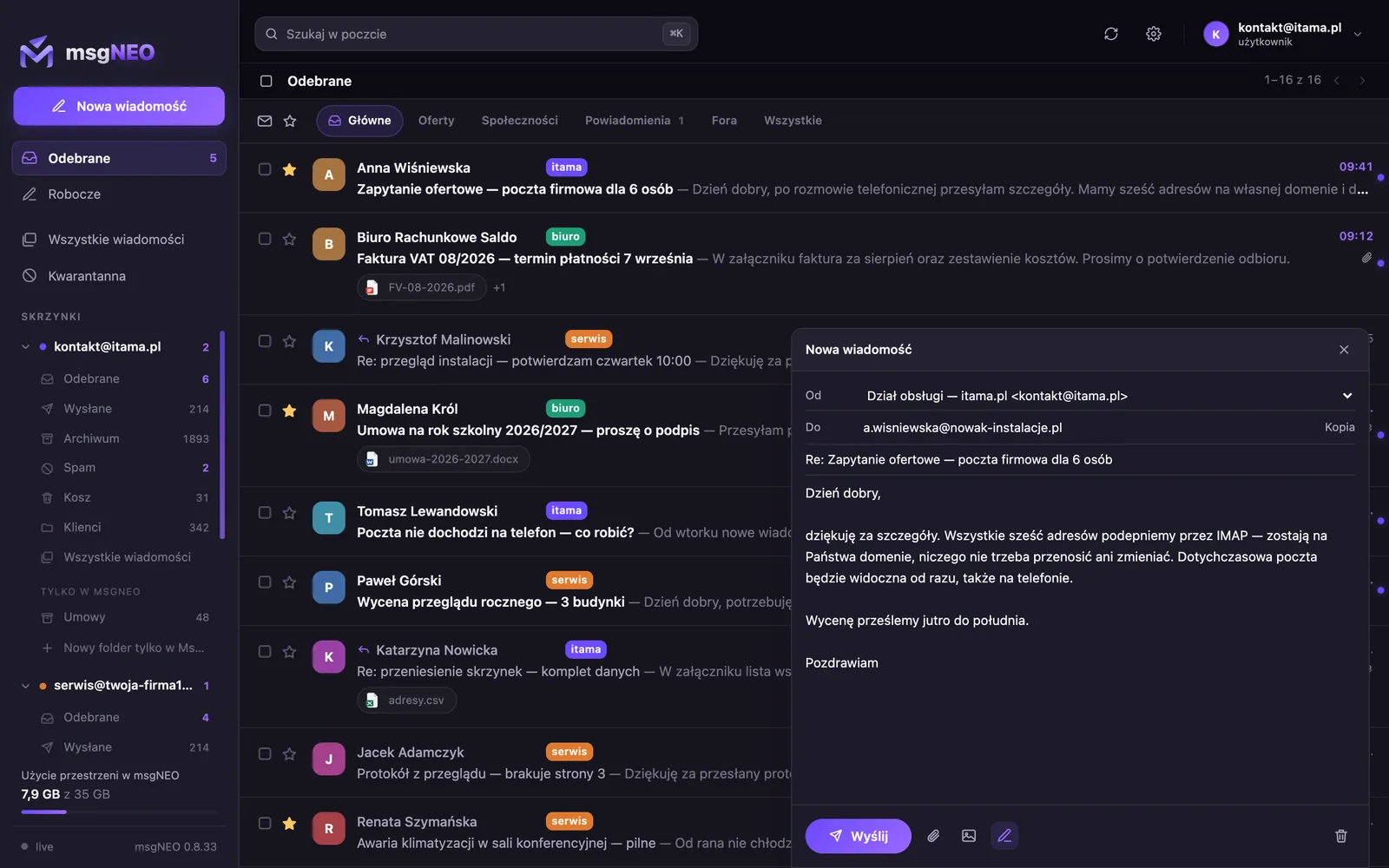
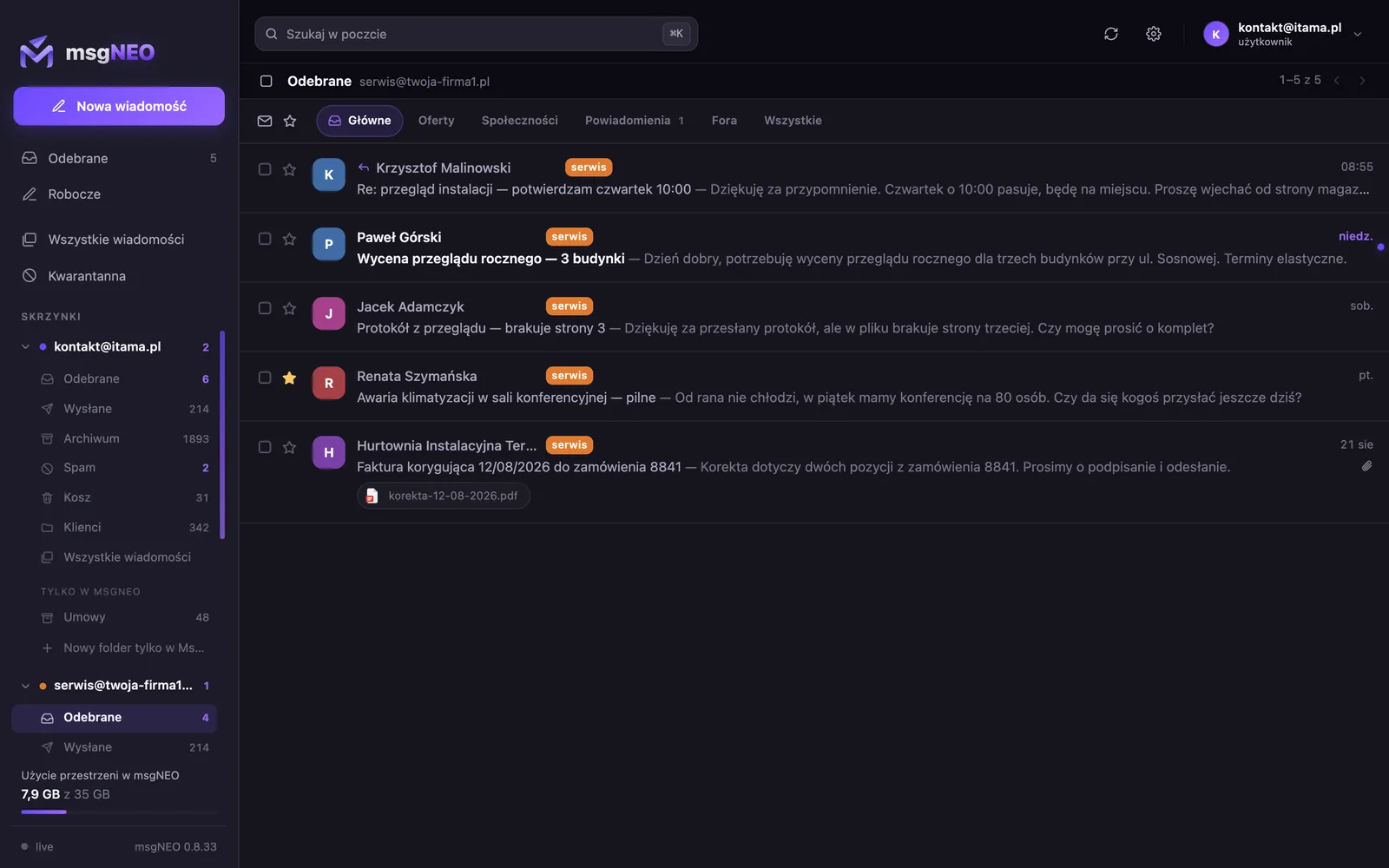
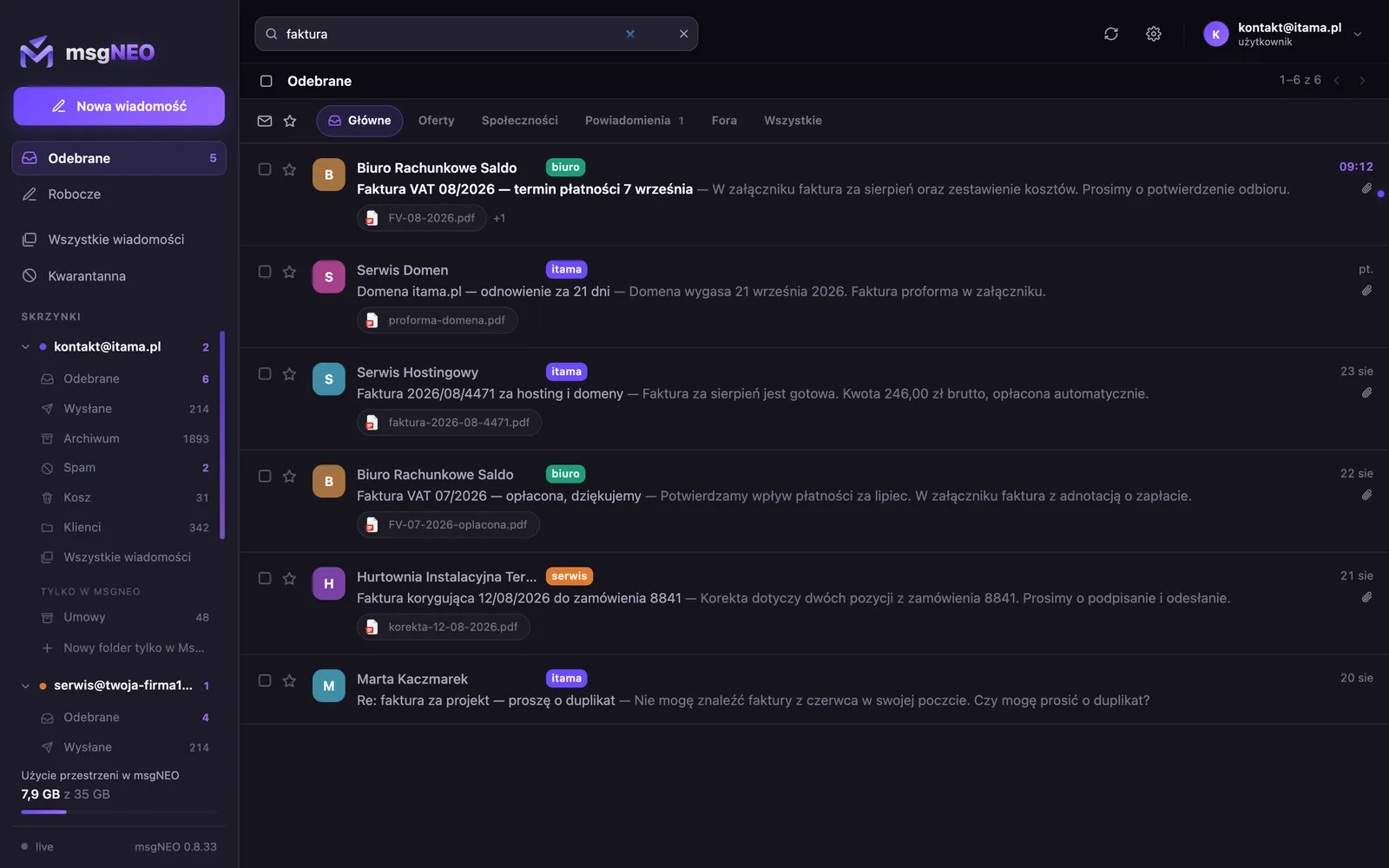
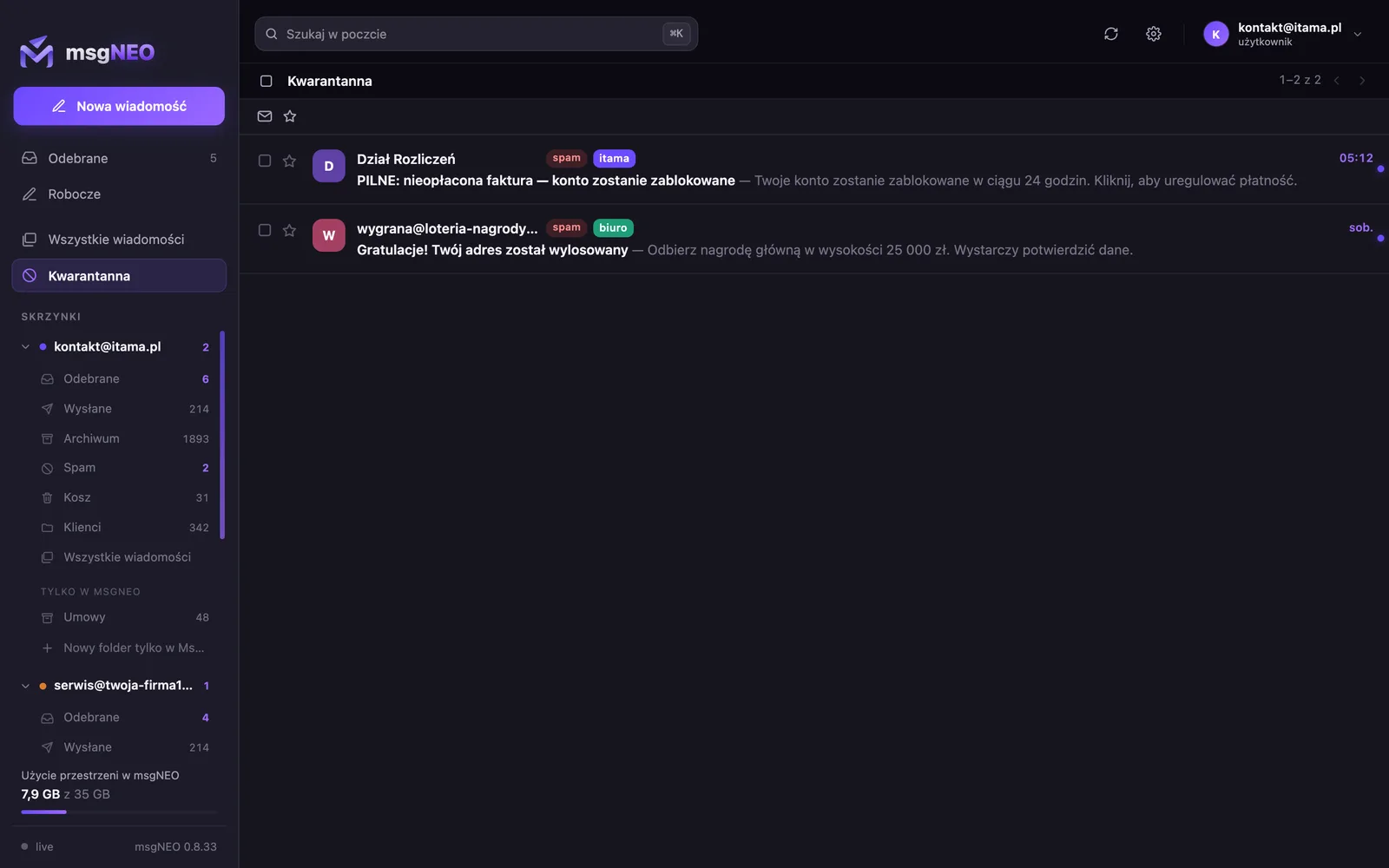
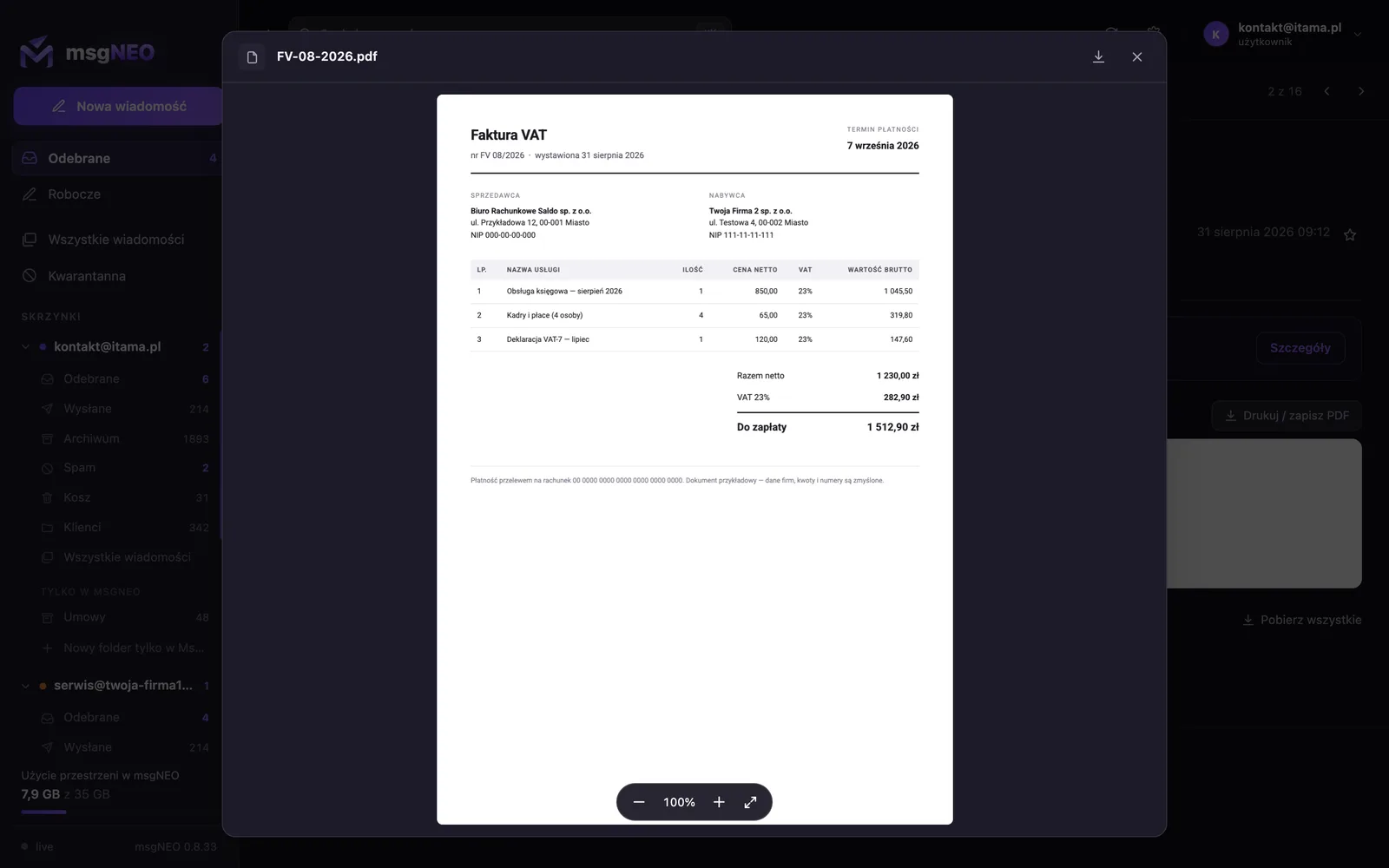
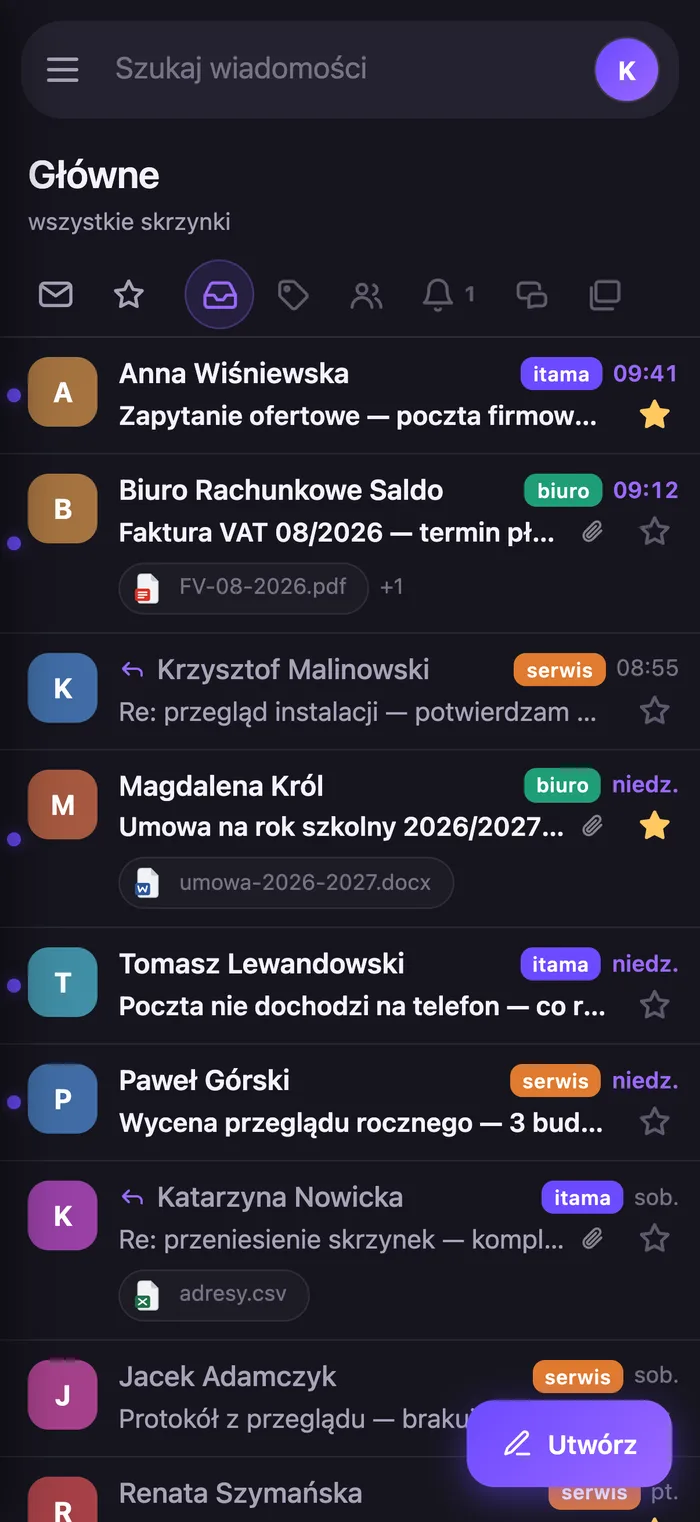
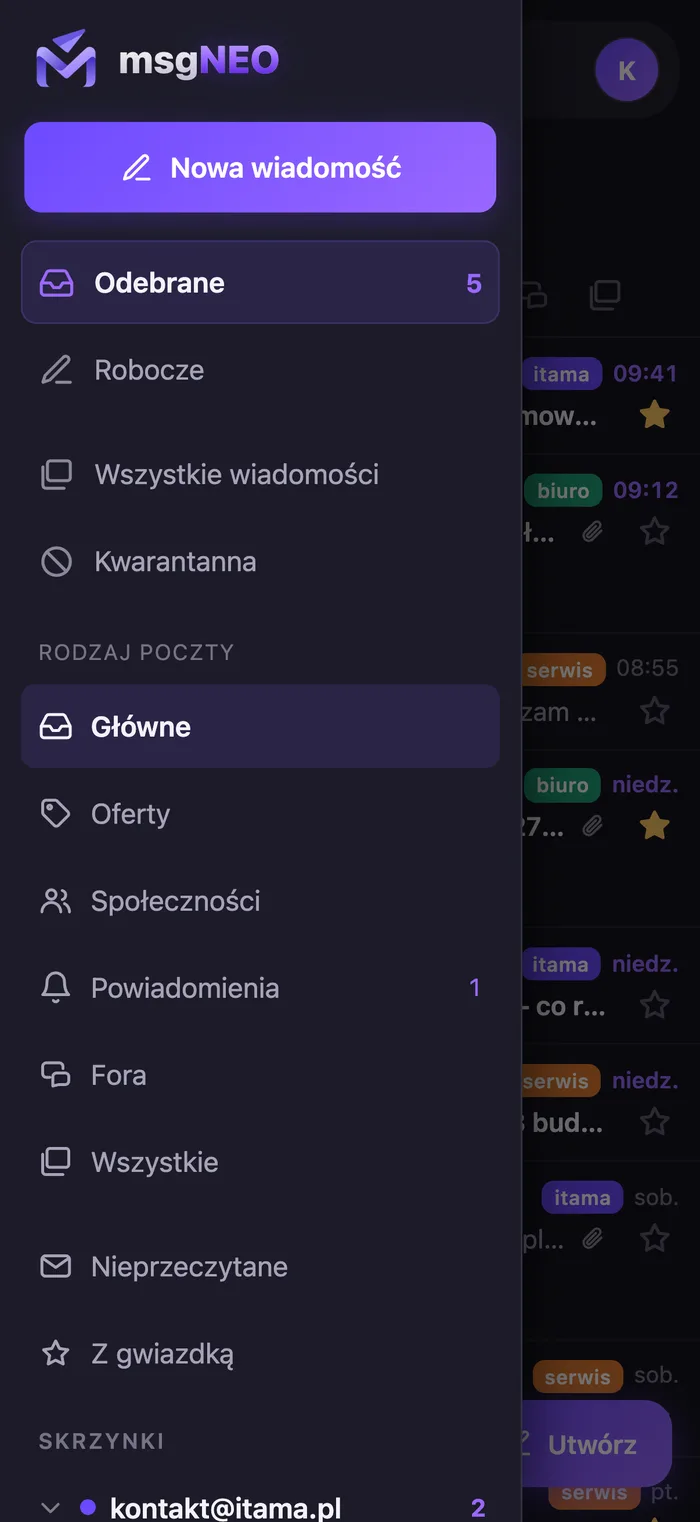
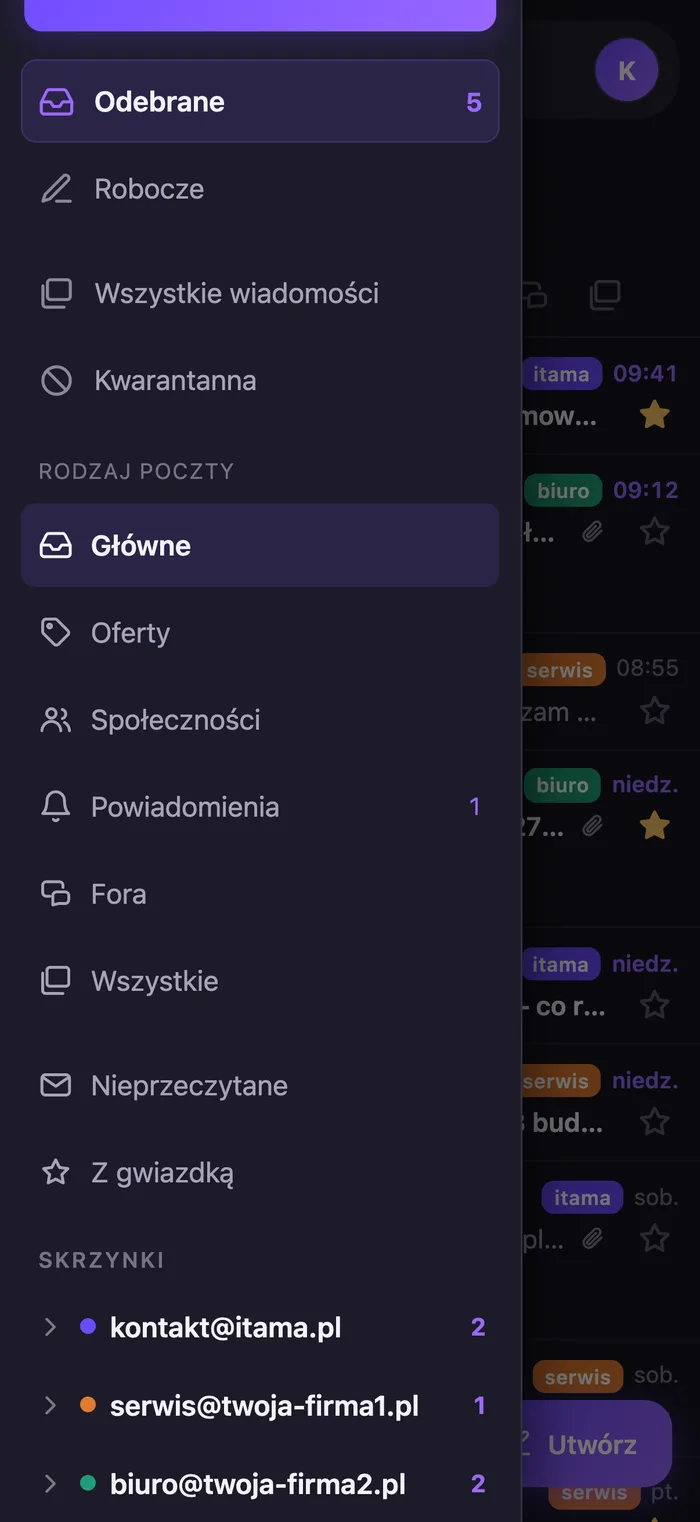
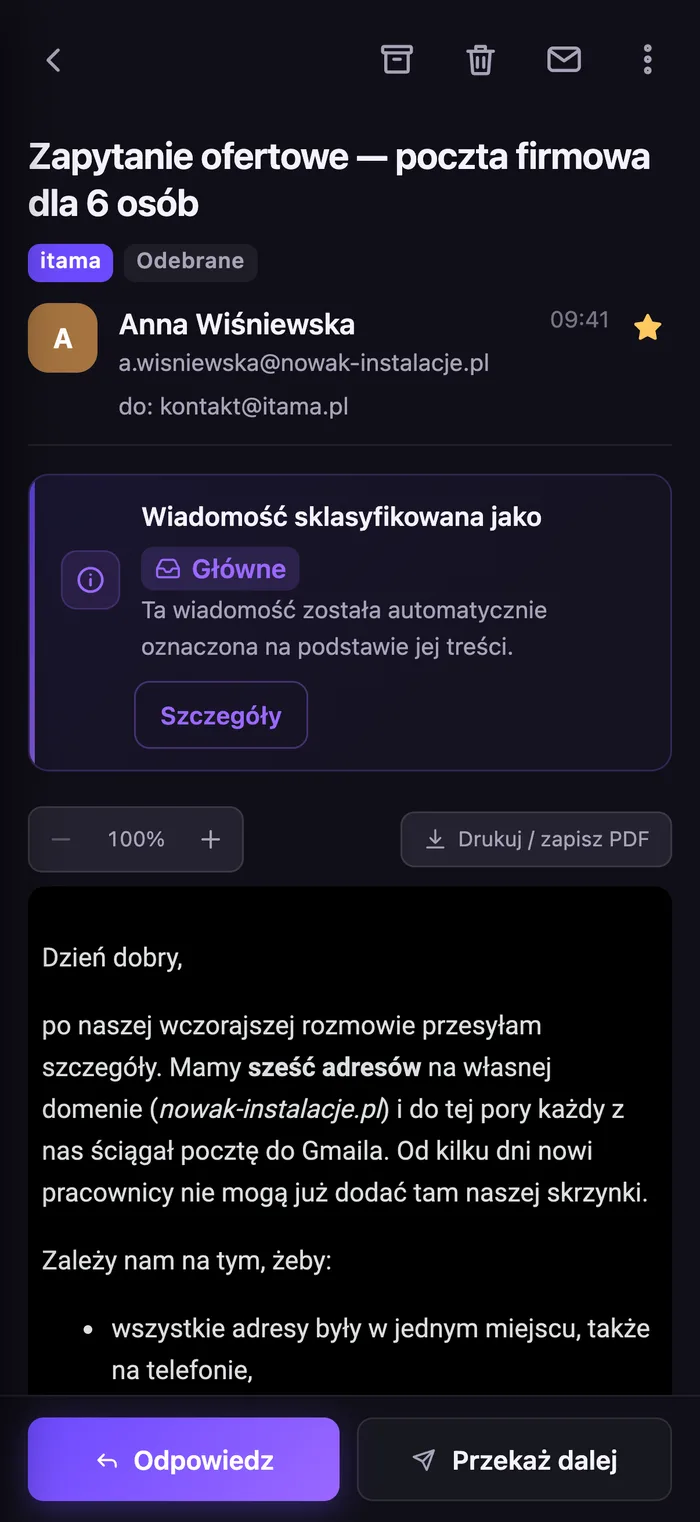
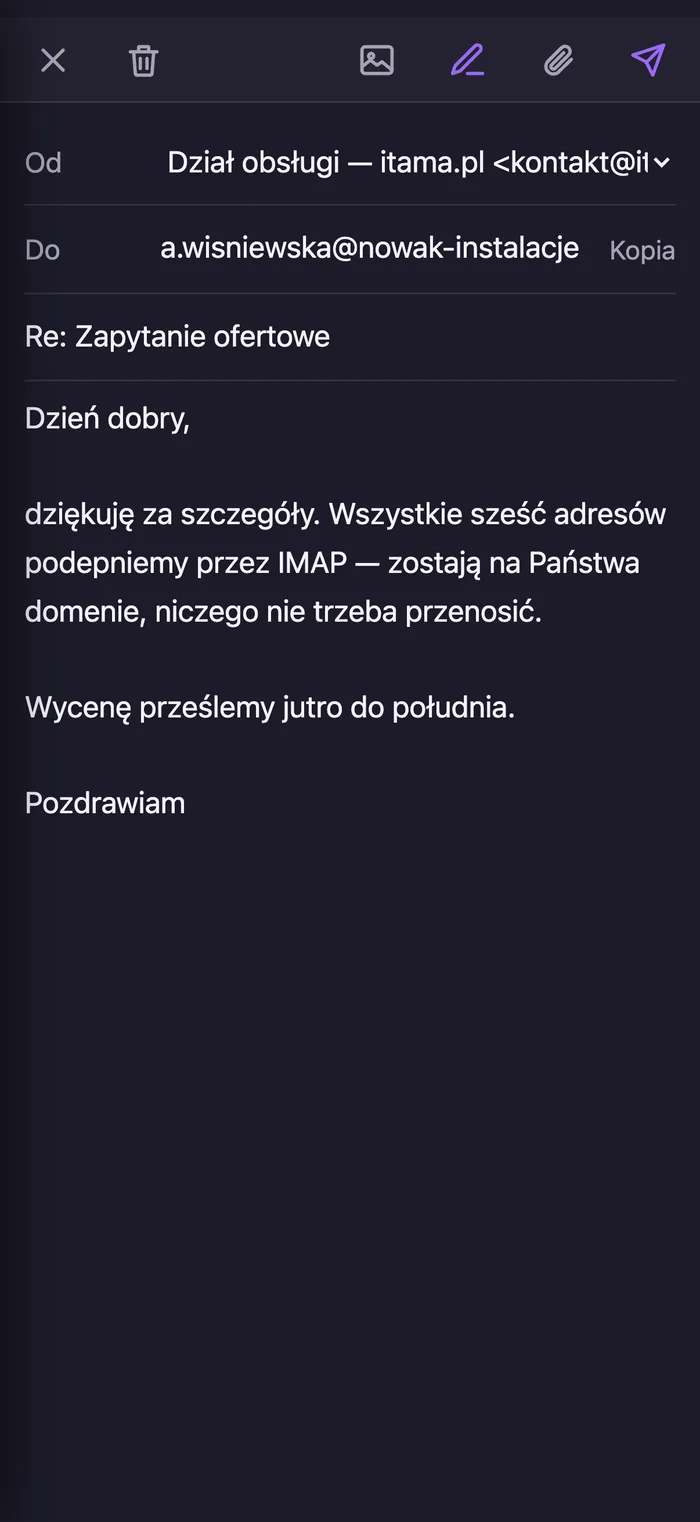
Screenshots from a demo build - all mail, senders and company details are fictional.
What I would not do
- I would not leave this until January. Email is the one channel where "it stopped working" means "a client wrote and we never replied". That silence costs more than any migration.
- I would not move company mail to a free Gmail address.
firma123@gmail.comon an invoice and in a signature is a signal every client notices. - I would not trust forwarding alone without testing deliverability. Forwarding is currently the only way for company mail to reach Gmail at all - all the more reason to test it. Once it is on, send yourself messages from three different providers and see where they land. Forwarded mail ends up in spam more often, because SPF and DKIM describe the sender, not the intermediary.
If you are not sure which of the four solutions fits your company, write to me - this is a ten-minute conversation, not a deployment project.
msgNEO - this works today, not someday
This change brings out something few people think about day to day: company mail almost always lives with someone else - a hosting provider, Google, a mailbox operator. As long as everything works, nobody remembers. The problem only becomes visible when that someone changes the rules - exactly as now.
msgNEO is a finished email program that I use every day. It runs in a browser - on any system, including Windows and Android (the panel can be added to your home screen and send notifications), plus there are apps for Mac and iPhone. All three show the same thing and share the same settings. Company mailboxes connect over IMAP, without moving your domain.
The difference from an ordinary email program sits underneath: between your mailboxes and your devices stands the msgNEO server. It is the one that connects to your mail, keeps a copy, indexes it and scores spam - while your computer, phone and browser only ever talk to it. Hence three things you notice in daily work: your phone does not download the same messages a second time and does not need to know your mailbox passwords; search runs across the entire history of every mailbox at once and is instant; and whatever you read or delete on your phone is read and deleted everywhere - including in the mailbox on the server.
The program is under continuous development, and the direction is single-minded: to have artificial intelligence work on your mail - sorting it, summarising it and drafting replies, instead of leaving you with three hundred unread messages.
What that gives you in practice: several company addresses in one list, with a coloured badge showing which address a message arrived at; search across the whole history of every mailbox at once; a quarantine for suspicious mail; attachments opened inside the program window, without downloading them; and replies going out from your company address, not from an account at gmail.com.
Want this at your company? Write to me with "msgNEO" in the message - I will give you the details and help connect your mailboxes. More about the service itself: business email.
Three acronyms worth understanding
- POP3 - the old way of receiving mail: the program downloads copies of messages to itself and then goes its own way. This is the one disappearing from Gmail.
- IMAP - the newer way: the program shows what is actually sitting in the mailbox on the server, and every change travels in both directions. It stays and it works.
- SMTP - sending mail. It is a separate matter from receiving, which is why adding a mailbox asks you for two servers.
Frequently asked questions
Will I lose old messages? No. Messages fetched into Gmail before the features are switched off stay in Gmail.
Does this affect Google Workspace? No. The change covers personal accounts. Addresses run in Workspace and Gmail aliases work unchanged.
Exactly how long do I have? Existing settings work until the end of 2026 and are switched off in January 2027. New configurations - both "Send mail as" and POP fetching - can no longer be created, so if you do not have them today, you will not be able to set them up.
I set up forwarding at my hosting provider - is that it? For receiving, yes - today that is the only way for company mail to reach Gmail. But replies will still go out from your gmail.com address, because "Send mail as" is disappearing. If it matters that the client sees your company address, you need an email program that sends over SMTP.
Is forwarding enough? It solves receiving, not sending. Since "Send mail as" is going away, replies will go out from a Gmail address anyway - and with several company addresses everything lands in one place and you lose track of which address the client wrote to.
What does msgNEO run on? In a browser on any system - including Windows and Android - and as an app for Mac and iPhone. All on one account, with the same settings.
Will email programs stop working too? No. IMAP and SMTP are untouched - Google points to email programs as the way out for anyone who was using "Send mail as".
Finally: what will Google switch off next year?
Google promises that you can connect a company mailbox in the Gmail app on your phone. Whether you will be able to send from your company address there the way "Send mail as" works today - I would not count on it. And even if it works, look at the sequence: first Google stopped letting people switch on POP fetching and forwarding was all we had left for receiving, and less than a year later "Send mail as" is going away. It is easy to predict what they will switch off the year after that, and the year after that, and hard not to get the impression that it all leads towards Google Workspace and paid cloud storage.
As for how cloud storage plans keep changing and what they really cost - I will write about that in the next article 🙂