Business email - msgNEO
All your company mailboxes in one place - in a browser, on a Mac and on an iPhone. The addresses stay on your domain; I connect them over IMAP: no moving the domain and nothing set up from scratch.
Who it is for
When company email is scattered across several places
A typical company has several addresses today - biuro@, zamowienia@, ksiegowosc@, personal ones - and each of them lives somewhere else: some in Gmail, some in the hosting provider's webmail, some in a program on a single computer. Nobody knows which address a customer question arrived at, and the reply goes out from a random mailbox.
On top of that came a firm deadline: Gmail is withdrawing POP fetching of mail from external mailboxes. Companies that for years read their company mail "in Gmail" have to sort this out again - and it is a good moment to do it once, properly.
- Several mailboxes, one list : Each mailbox has its own colour and a name shown next to the message - you instantly know which address it arrived at. Each can also be viewed on its own.
- The addresses stay yours : We connect the mailboxes over IMAP at your current provider. Nobody moves the domain, nobody touches the old mail.
- You reply as the company : The message goes out from your company address, not from an account at gmail.com.
How it works
Between your mailboxes and your devices stands a single server
An ordinary email program connects to each mailbox separately: the computer downloads mail from three servers, the phone downloads the same again, and every device has its own idea of what has been read. msgNEO works differently - the msgNEO server fetches the mail, keeps a copy, indexes it and scores spam, while the computer, phone and browser only ever talk to it.
- Devices never connect to the mail servers : Your phone does not download the same messages a second time and does not need to know your mailbox passwords.
- Instant search : A copy of the mail sits on our side, so search runs across the entire history of every mailbox at once - with no waiting for the mail server.
- The same everywhere : Read on the phone means read on the computer and in the mailbox on the server. Deleted disappears on both sides.
The desktop view
msgNEO - the email program I am building and use myself every day.
-

Three company mailboxes in one list
-
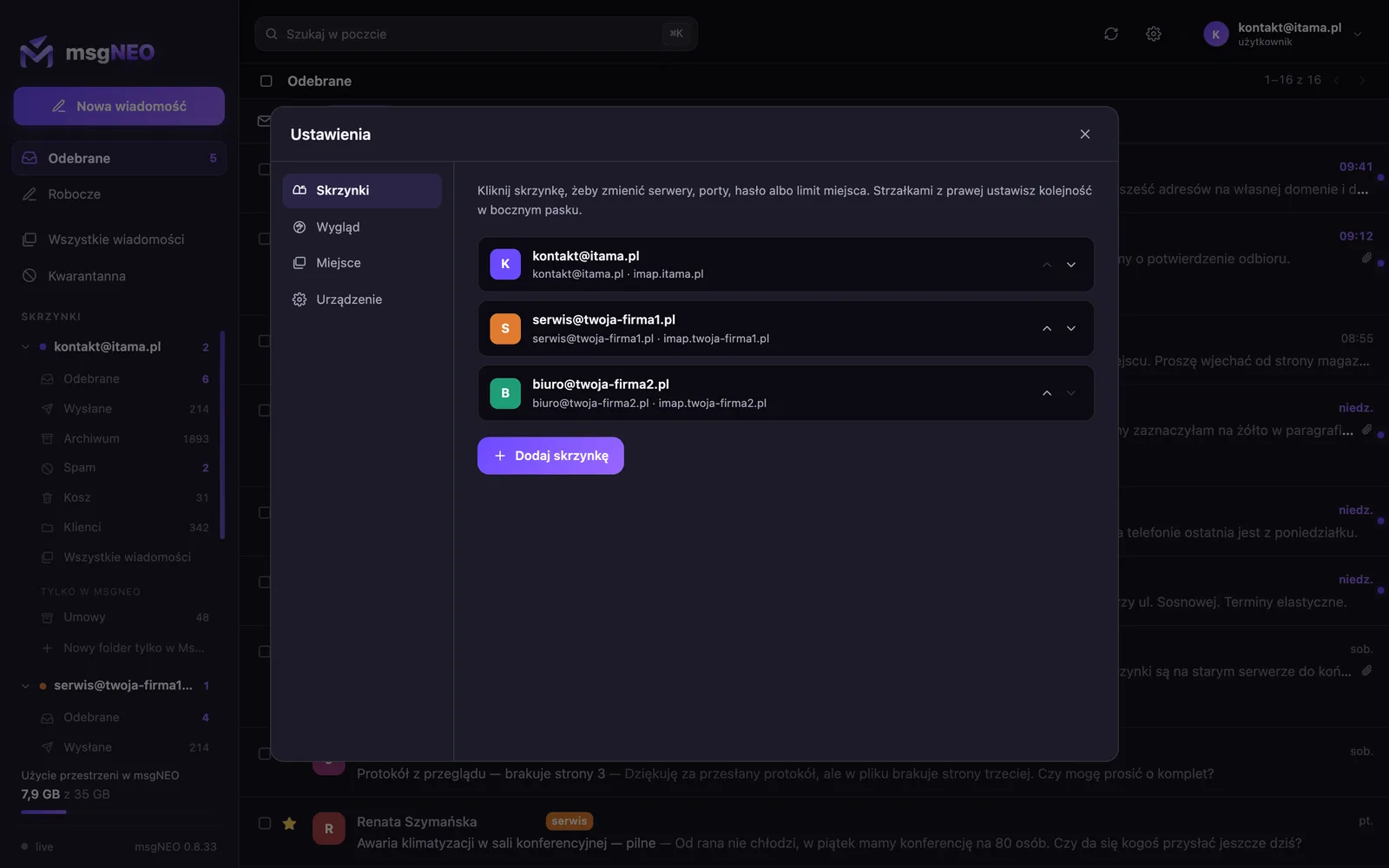
Mailboxes connected over IMAP
-
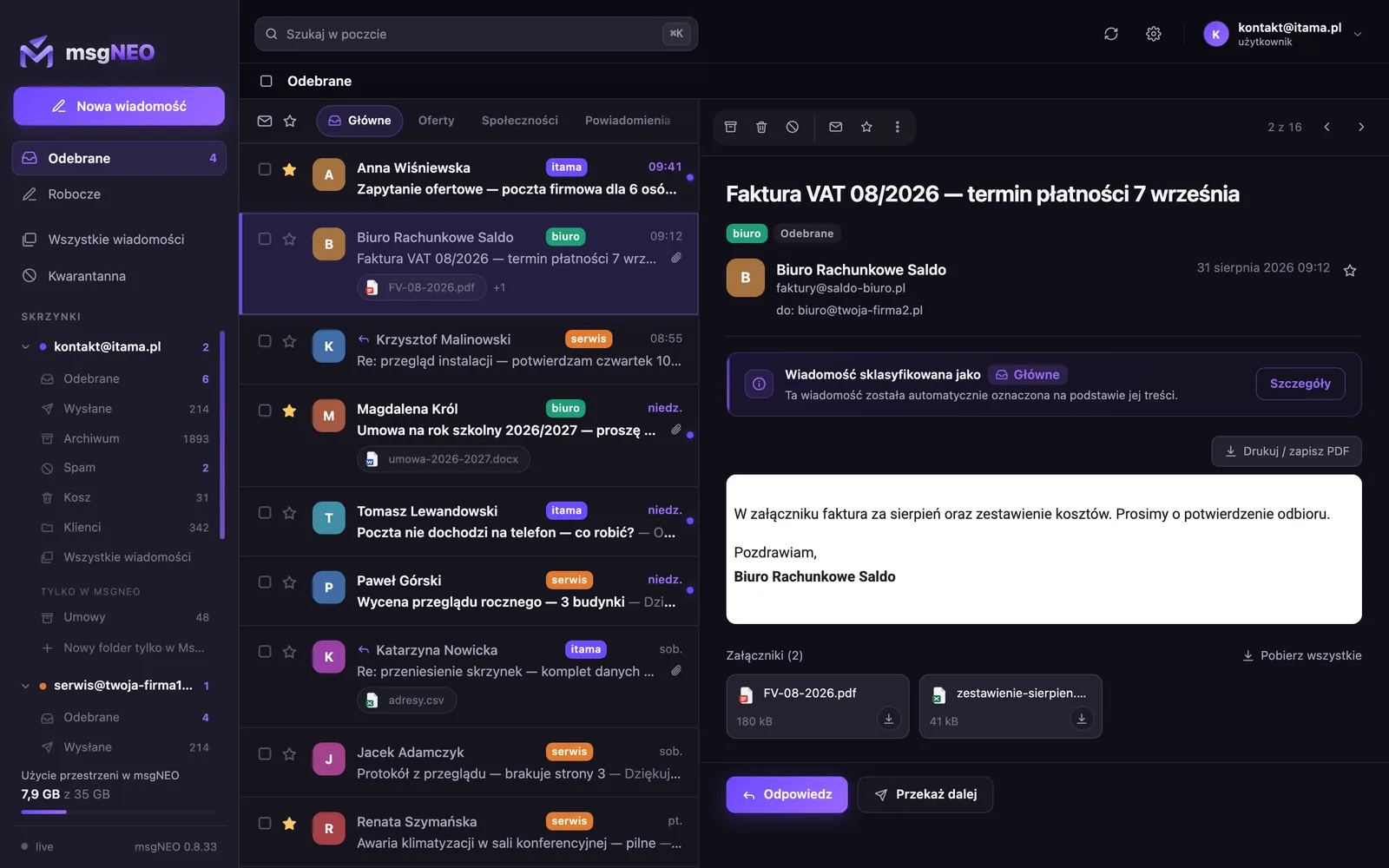
List and preview side by side
-

Replying from the company address
-
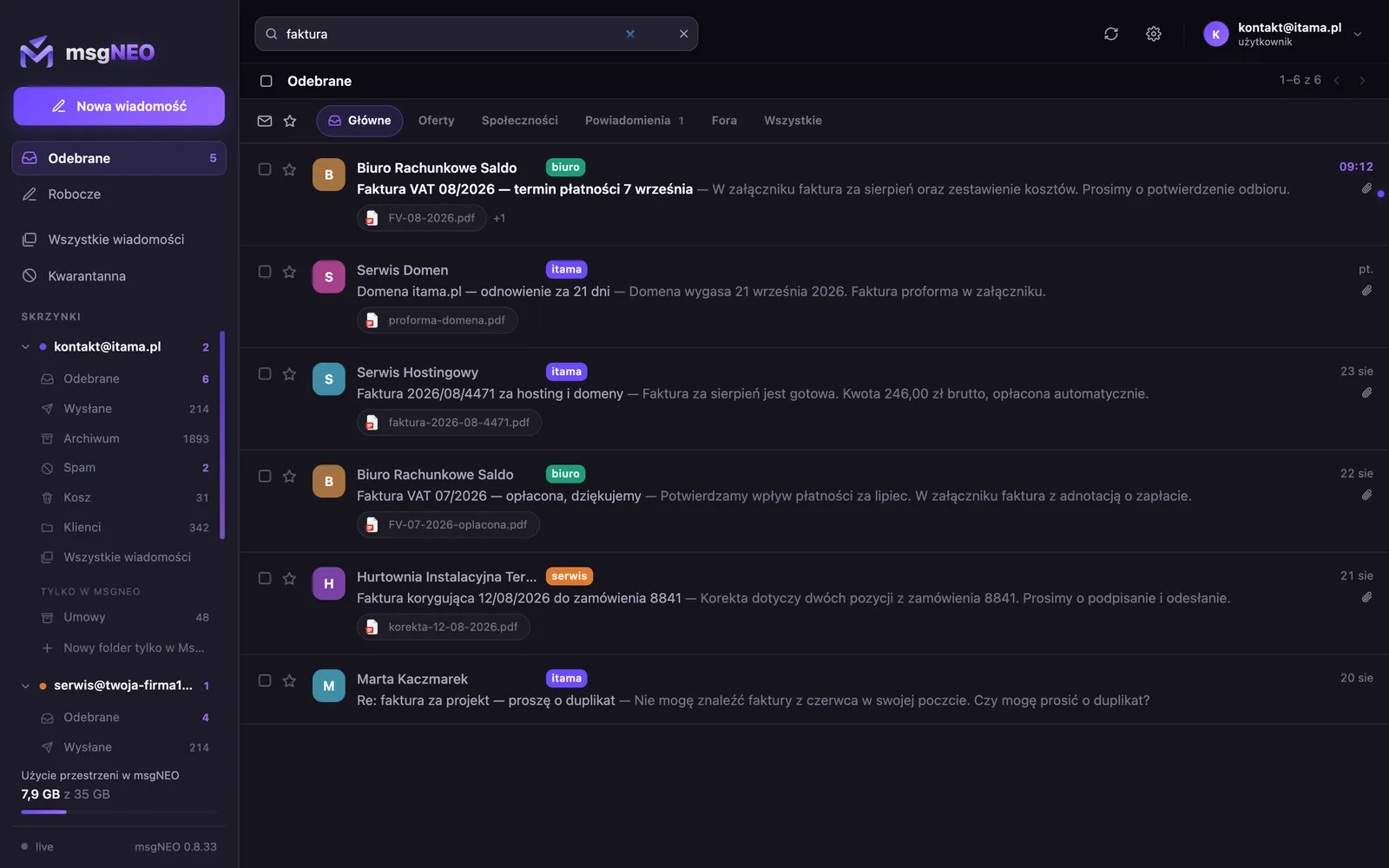
Searching across every mailbox
-
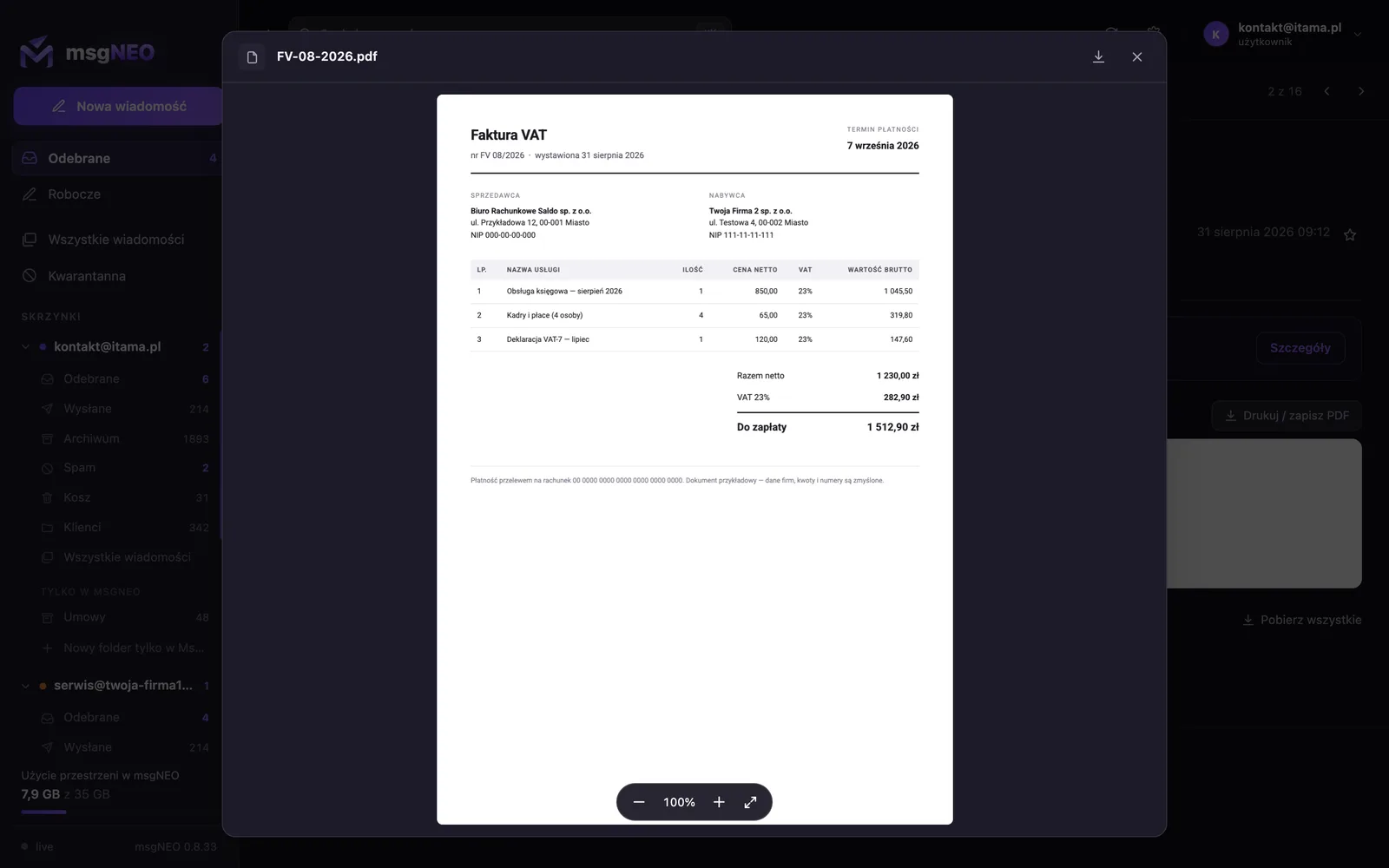
An invoice opened inside the program
Screenshots from a demo build - all mail, senders and company details are fictional.
The same on a phone
Settings follow the account, not the device - the same mailboxes and the same badges.
-

The list on a phone
-
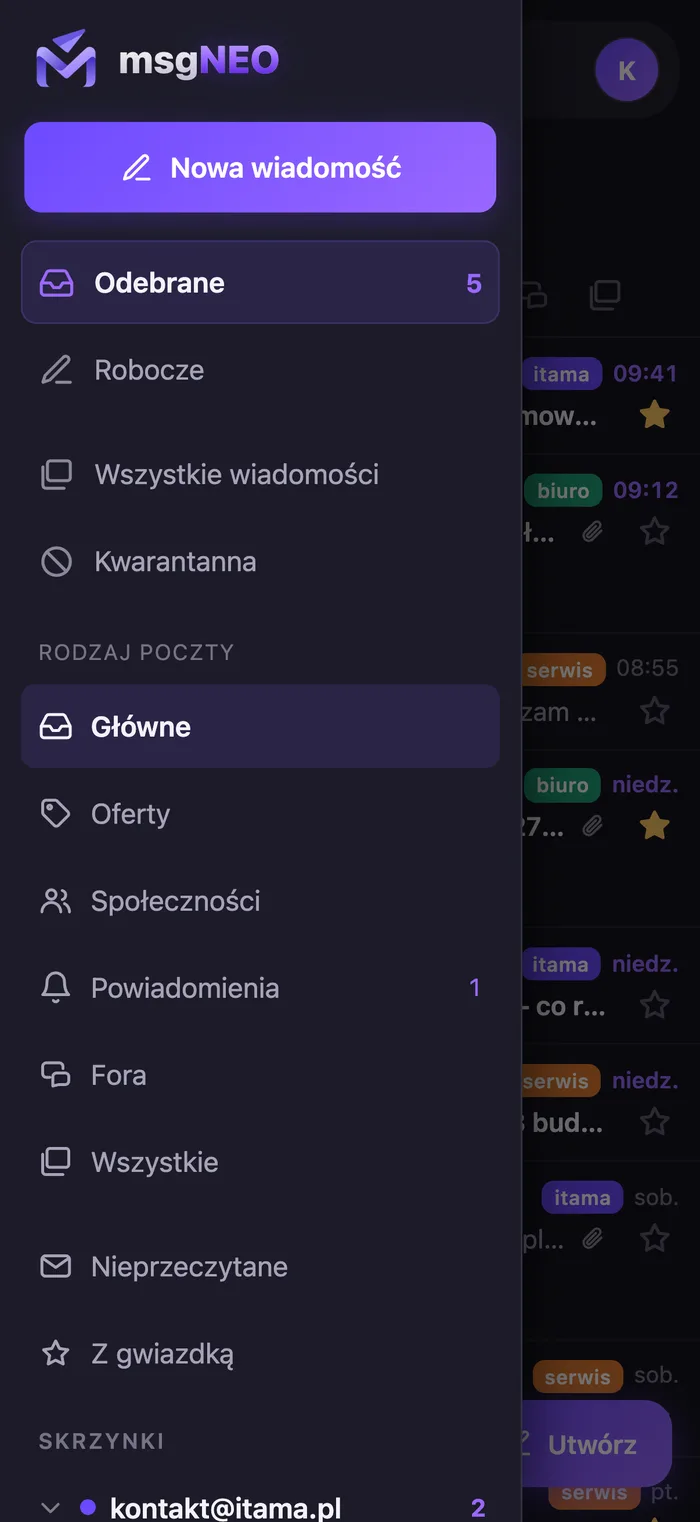
Side menu
-
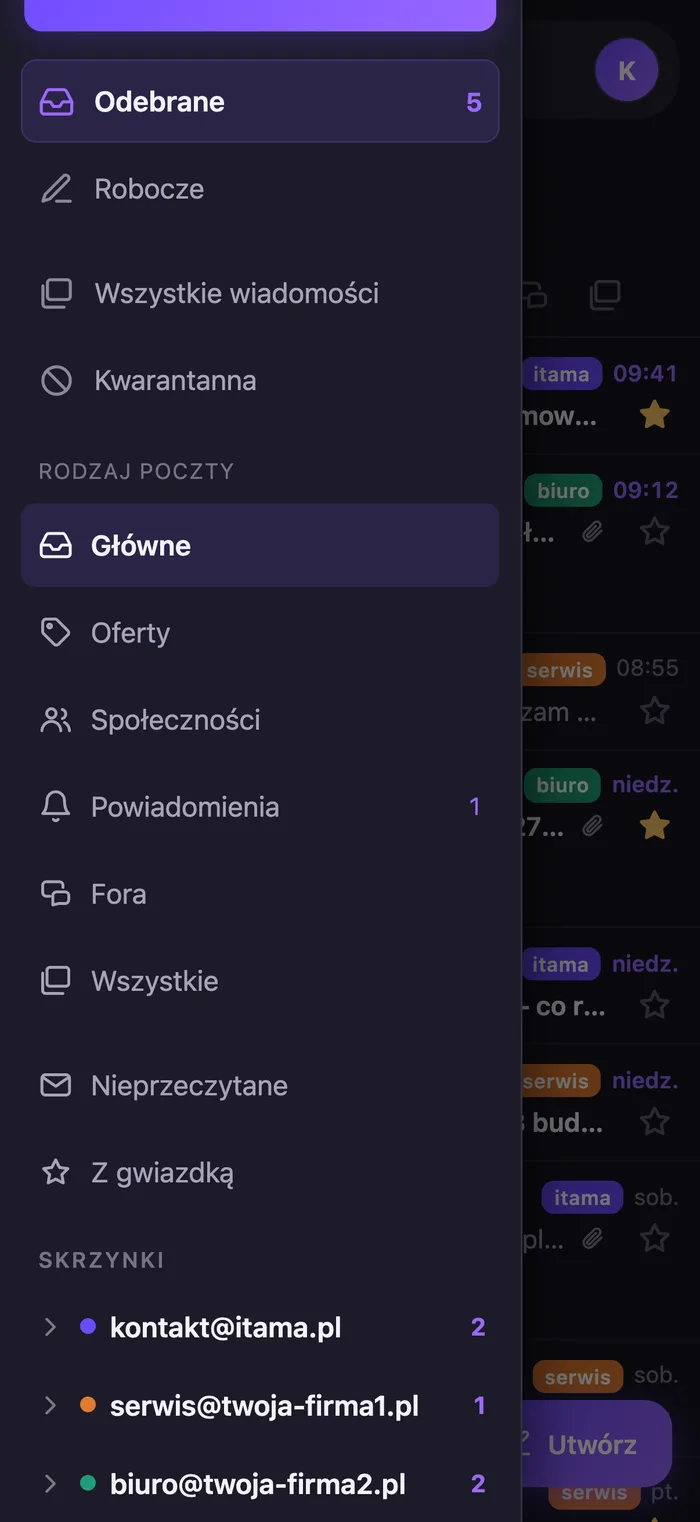
Mailboxes in the menu
-

A message on a phone
-

Writing on a phone
Screenshots from a demo build - all mail, senders and company details are fictional.
What it can do
The things that make a difference in daily work
- Browser, Mac and iPhone : The panel runs on any system - including Windows and Android - and can be added to your home screen along with notifications. Plus apps for Mac and iPhone. All on one account, with shared settings.
- Search across the whole history : One field, results from every company mailbox at once - attachments included.
- Tabs that explain their decisions : Primary, Offers, Social, Notifications, Forums - they work inside a single mailbox too, and the program can tell you WHY a message landed in a given tab. Move something by hand and it remembers that decision for that sender.
- Your own folders and a quarantine : Folders visible only in msgNEO, which do not exist on the mail server, plus a scored quarantine for suspicious mail.
- Attachments without downloading : PDFs, Word files and photos open inside the program window - an invoice on screen in a second, with no digging through the Downloads folder.
- Mail backup and space under control : A monthly copy of all mail with attachments, from which a message comes back whole. You can see how much space each mailbox takes and set a limit.
- Developed towards AI : The direction is single-minded: to have artificial intelligence work on your mail - sorting it, summarising it and drafting replies.
How we start
Rollout without moving your domain
- 1. Mailbox inventory : We list the addresses the program is to handle and check where they live today.
- 2. Connecting over IMAP : Each mailbox stays with its provider - we add it to the program, together with sending over SMTP.
- 3. Verification : We test receiving and sending from every address, so nothing ends up in spam.
- 4. Phone : The same account on your phone - and the mail is wherever you are.
Want to sort out your company email?
Tell me how many mailboxes you have and where they live today. I will reply with how to sort it out - including when the best answer for you turns out to be something other than my program.