
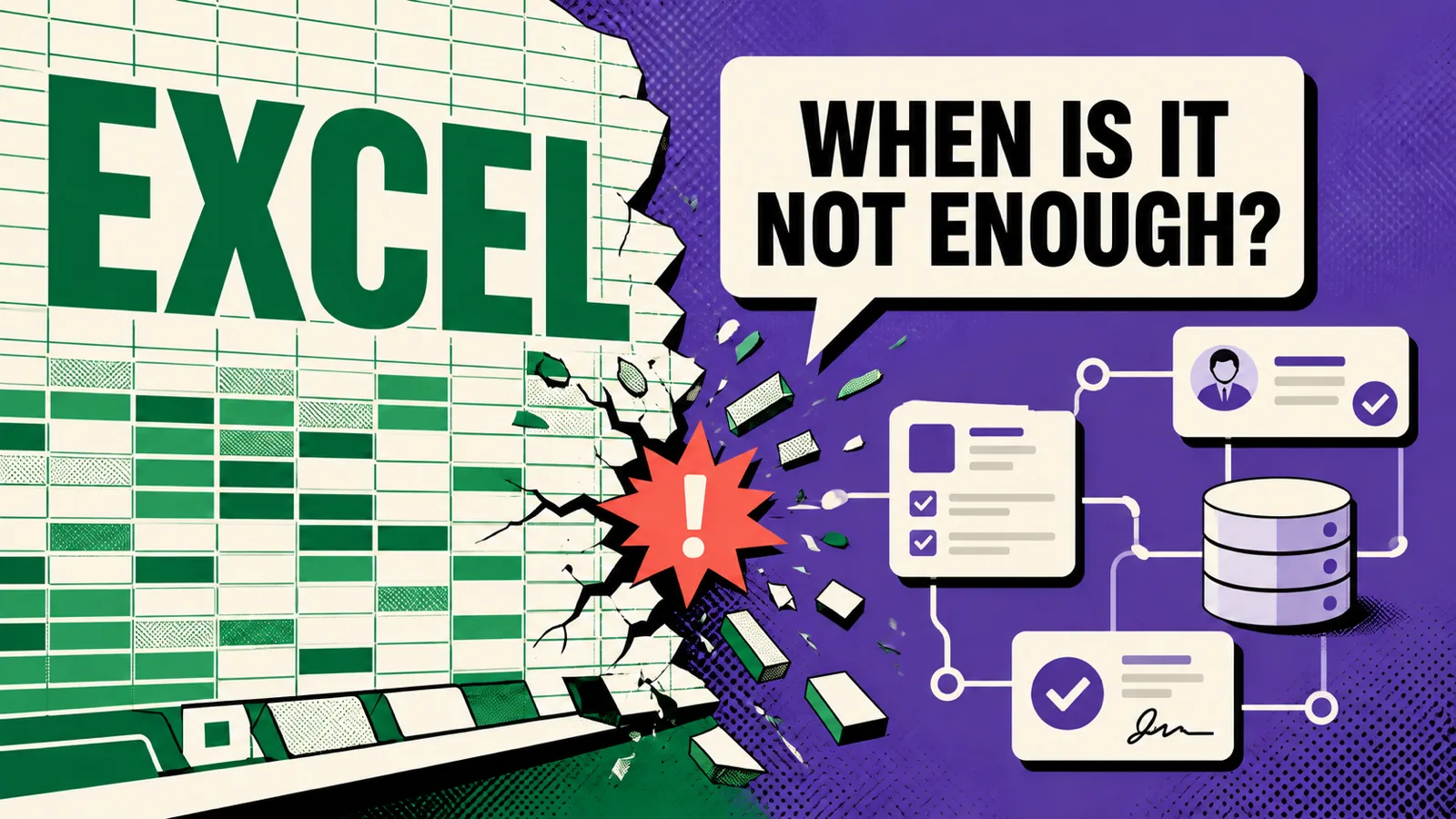
Short answer: Excel stops being enough on the day a second person starts using it - and at the latest when somebody has to keep track of who has the newest version of the file. It is not about the number of rows. It is that a spreadsheet has no idea who changed what, and watches nothing on your behalf.
Five signs the spreadsheet has stopped being a tool and become a problem
- The file name contains a date or the word "final".
orders_v3_final_corrected.xlsxis not a file name, it is a symptom. - Somebody has to retype data from one place to another every day. Every manual retype is a cost in time and a guarantee that a typo will appear eventually.
- A simple question cannot be answered. "How many orders from May are still outstanding?" requires opening three files and fifteen minutes.
- You are afraid somebody will delete a row. A spreadsheet has no change history and no permissions - anyone with access has full access.
- Clients ask about status and you reply by hand. That is work an application does by itself.
If you tick one of these, stay with the spreadsheet. Three or more means the company is already paying for the absence of a system - it just does not appear on any invoice.
What a spreadsheet cannot do, by definition
- know who changed what and when (versions in the cloud are not the same as a record's history),
- enforce rules - that an end date cannot precede the start, that a status of "paid" requires an amount,
- separate permissions - a salesperson sees their own, accounting sees everything,
- remind you - about a deadline, an overdue payment, a contract about to expire,
- give the client a view - so they can check the status themselves instead of calling.
That is the list of things you pay for in an application. Not for "a prettier table".
Three levels of solution, cheapest first
1. A tidy spreadsheet in the cloud. One file, clear columns, locked formulas, access through named accounts. It costs nothing and solves more problems than you would think. Start here.
2. An off-the-shelf tool. A CRM, an order system, booking software. The advantage: it is available now. The drawback: you fit the company to the tool rather than the other way round, and you pay a subscription per user forever.
3. Your own application. It makes sense when your process is genuinely yours - an unusual calculation, a specific job workflow, an integration with a machine or a system that off-the-shelf products do not cover. Then a web application does exactly what the company does, rather than what a software vendor imagined.
The order matters: before you commission an application, tidy the process in a spreadsheet. An application built on a chaotic process cements the chaos, only more expensively.
What it costs
I quote applications individually, because the scope differs every time - and it is more honest to give a range after a conversation than to put a made-up number in a price list. What drives the price: the number of roles and permissions, the number of screens, integrations with other systems, and whether notifications and reports are needed.
A practical piece of advice: start with the smallest version that solves one specific pain. Not with a system that runs the whole company. The first version should take one thing off your hands - the thing you do manually every Monday.
How I know this works
I use tools I wrote myself, because the off-the-shelf ones did not do what I needed: desktop applications for working with video material and website screenshots, plus the panel in which my clients edit their own sites. The same mechanism applies to any company: your own tool pays off wherever the process is repeatable and genuinely yours.
Not sure whether your case suits an application? Describe your process to me in five sentences - what happens from a client's first contact to the end of the job. I will reply saying whether this is a job for an application, for an off-the-shelf tool, or whether fixing the spreadsheet is enough. The third answer comes up more often than you might expect.
Frequently asked questions
How long does it take to build such an application? The first useful version is usually a few weeks. Development is continuous - because the company's process changes too.
Will the data be secure? An application has named accounts, permissions and backups - exactly what a spreadsheet lacks.
Can data be moved out of Excel? Yes, importing from a spreadsheet is a standard first step of any rollout.
What if I want to change something after a year? That is normal and built into the way I work: the application grows with the company, and we add features as we go.