
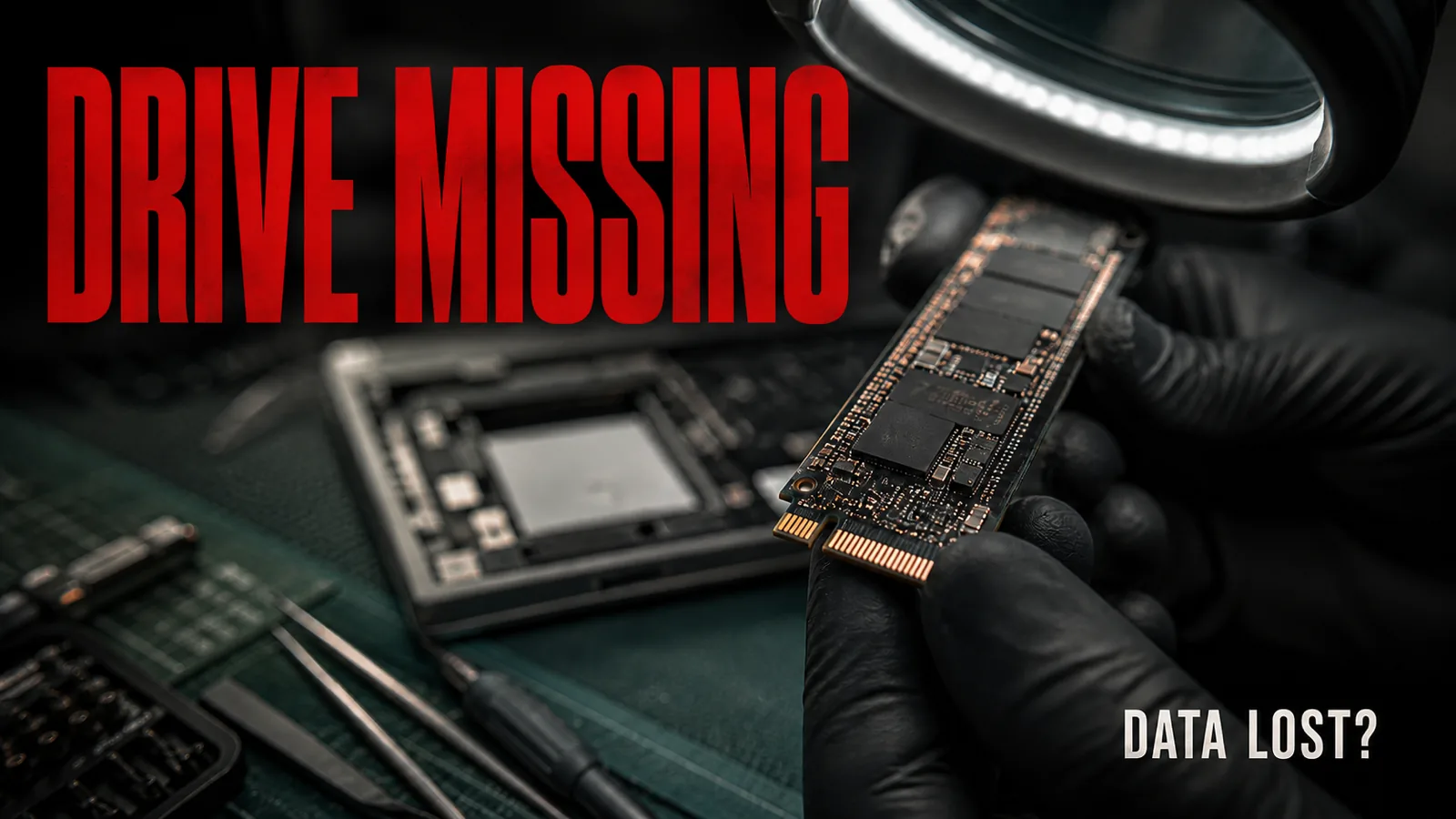
Short answer: in most cases the data is not lost. A drive the system will not show usually still holds it - the problem is how the computer is trying to reach it. What matters most is what you do now: switch the machine off and write nothing to it.
Stop - these three things do the most damage
1. Carrying on working with a drive that clicks or crawls
If you hear clicking, ticking or the drive "dragging", every further minute of use can turn a reversible problem into an irreversible one. In a spinning hard drive, a damaged head can scratch the very surface your data sits on. Switch the computer off with the button and do not turn it on "one more time, just to check".
2. Installing "recovery software" onto the same drive
This is the most common mistake I see. The program installs itself exactly where the deleted files sit, and overwrites the very thing it was supposed to recover. If you are going to try yourself - do it from another drive and save the results to a third one.
3. Formatting, "because the system suggests it"
With a damaged file system, Windows can offer to format. That is a proposed solution to the system's problem, not to yours.
Why a computer stops seeing a drive
- Physical failure - electronics, heads, motor. Symptoms: noises, no detection in the BIOS, the drive not spinning up.
- Logical damage - the partition table or the file system. The drive is visible in the BIOS, but the system shows it as unformatted.
- A cable, an adapter, power - it sounds trivial, but it is sometimes the cause. External 3.5-inch drives can fail to start with a weak power supply.
- SSD wear - the drive can switch to read-only mode or vanish suddenly, without warning.
The distinction matters, because logical damage is usually recovered in software, while physical damage requires work on the hardware - and that is the point at which do-it-yourself attempts most often cause harm.
What you can safely check yourself
- A different cable and a different port. For an external drive: another computer, a port on the back of the case, and for 3.5-inch drives, their own power supply.
- Whether the drive is visible in the BIOS / UEFI (or in Disk Utility on macOS). If it is, there is a chance the problem is logical.
- Whether the computer shows it as "unknown" or "unformatted" - in that case click nothing, simply disconnect it.
- Listen. Clicking, grinding, repeated spinning up and stopping is a signal: no more attempts.
What not to do: chkdsk on a drive with important data, "repairs" suggested by the system, hours of repeated testing.
If the drive holds data you have nowhere else - write to me before you install anything. Diagnosis is free, and I collect hardware from clients in Gdynia, Rumia, Reda, Wejherowo and across the Tricity. I have been doing this for years: over 2,500 repairs and more than 500 data recoveries.
What recovery looks like with me
- Diagnosis - I establish whether the problem is physical or logical. Free of charge.
- An honest verdict - I tell you the odds before you pay anything. I do sometimes advise against recovery, because the cost exceeds the value of the data.
- A quote - recovery is priced individually, because every case differs. Hardware repair starts at 150 PLN plus parts.
- Recovery and handover of the data on a new drive.
I do not promise a hundred per cent success rate. Nobody honest does - with physical damage some data can be beyond saving, and it is better to hear that up front.
How not to end up here again
The rule of three copies: data in three places, on two different media, one copy outside the home or office. The cloud counts as an off-site copy, but syncing is not backup - a deleted file disappears from the cloud too. The cheapest backup in the world is an external drive plugged in once a week.
Frequently asked questions
Does data recovery always succeed? No. With logical damage the odds are high; with physical damage they depend on the extent. Hence diagnosis first, decision second.
How long does recovery take? From a few hours in simple cases to several days with physical damage.
Can an SSD be recovered too? It is often harder than with a spinning drive - the data is distributed and encrypted by the controller. All the more reason not to try "recovery software" on it.
How much does recovery cost? The quote is individual, because it depends on the type of damage. Diagnosis is free, and I give a price only afterwards.